
BG3 Patch 7 Bois Night
Due to the extensive changes to the modding system the following is required to make your game playable again.
Note: If you have other saves with characters that are using a modded class I recommend changing their class to a non-modded one prior to any of the following steps in the patch 6 version of the game with the bois night mods installed. I have download links to those files if you need at the bottom of this wiki.
- Back up saves folder if you have saves you want to ensure not to lose. Steam should back these up for you but just in case you want to make sure back up the following folder:
-
C:\Users\[YOUR USER NAME]\AppData\Local\Larian Studios\Baldur's Gate 3\PlayerProfiles\Public\Savegames\Story
-
- Clear all data from pre patch 7 update.
- Delete Appdata folder
-
C:\Users\[YOUR USER NAME]\AppData\Local\Larian Studios\Baldur's Gate 3
-
- Delete game folder
- Generally located here:
C:\Program Files (x86)\Steam\steamapps\common\Baldurs Gate 3
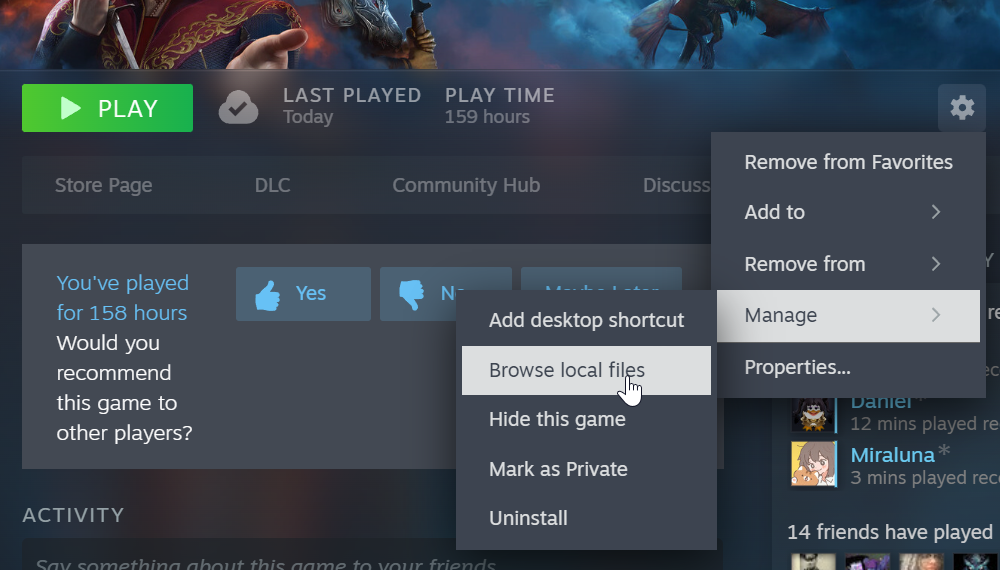
It may be located in another folder. If you installed it via Steam you can check this by navigating to the game in Steam, click the cog at the right side of the screen, click Manage, then click Browse local files.
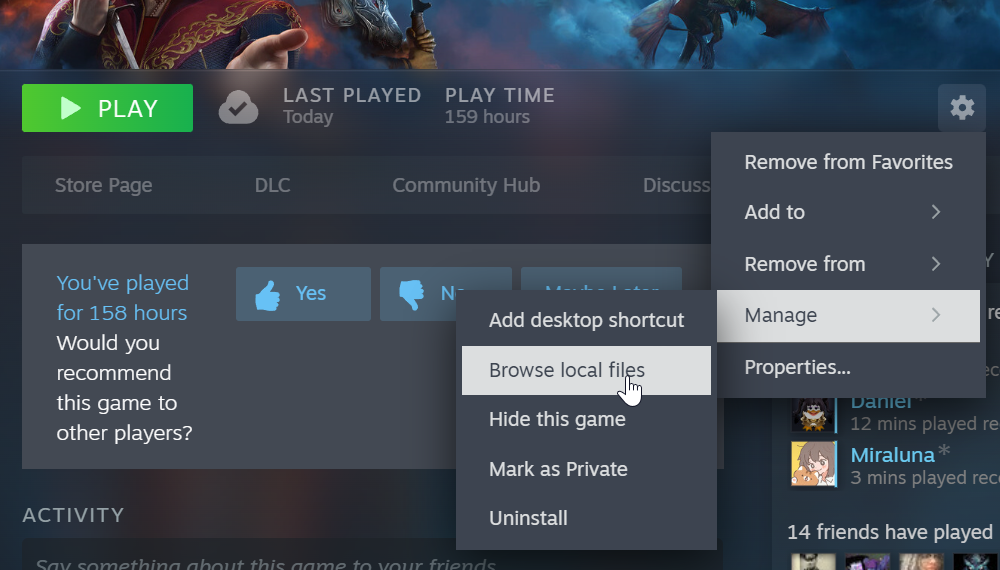
NOTE: This step is important as simply uninstalling the game from Steam will not clear out all the mod files. Also, some of the game files have been modified by the mods so having a fresh start is the simplest way to resolve all the issues with the mods that haven't been updated for patch 7.
- Generally located here:
- Verify game files in Steam or reinstall the game.
- Install new mods with in game mod manager.
- Open the game then select Mod Manager.
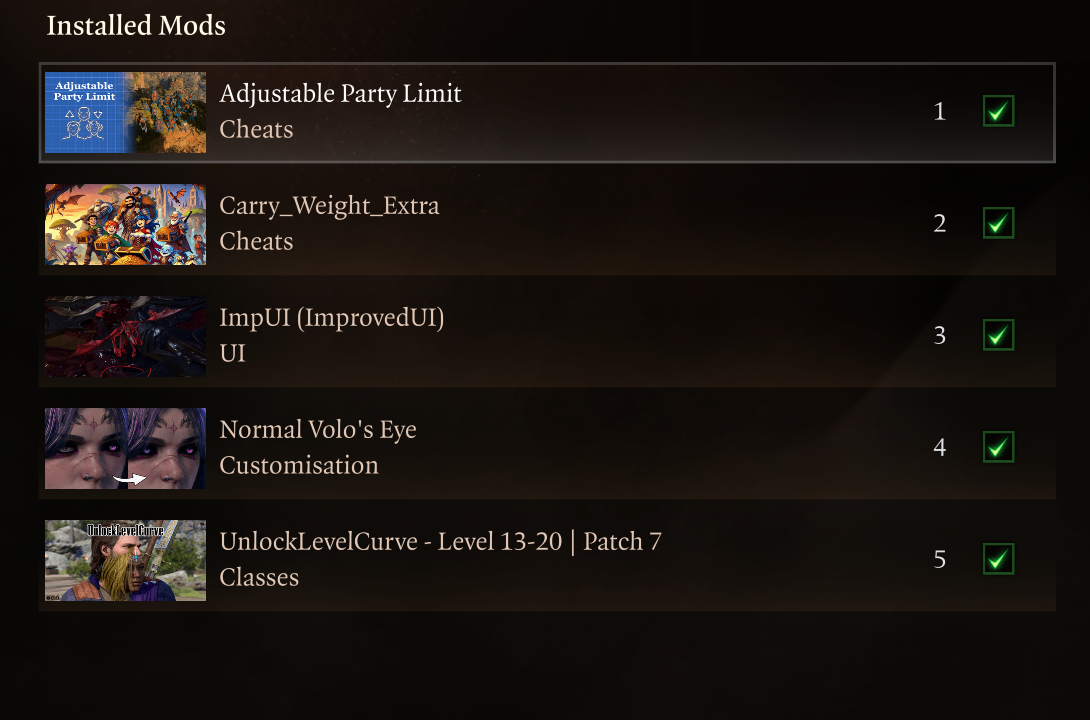
- Search for and install the following mods. All you need to do is click download on each mod as you find it to install.
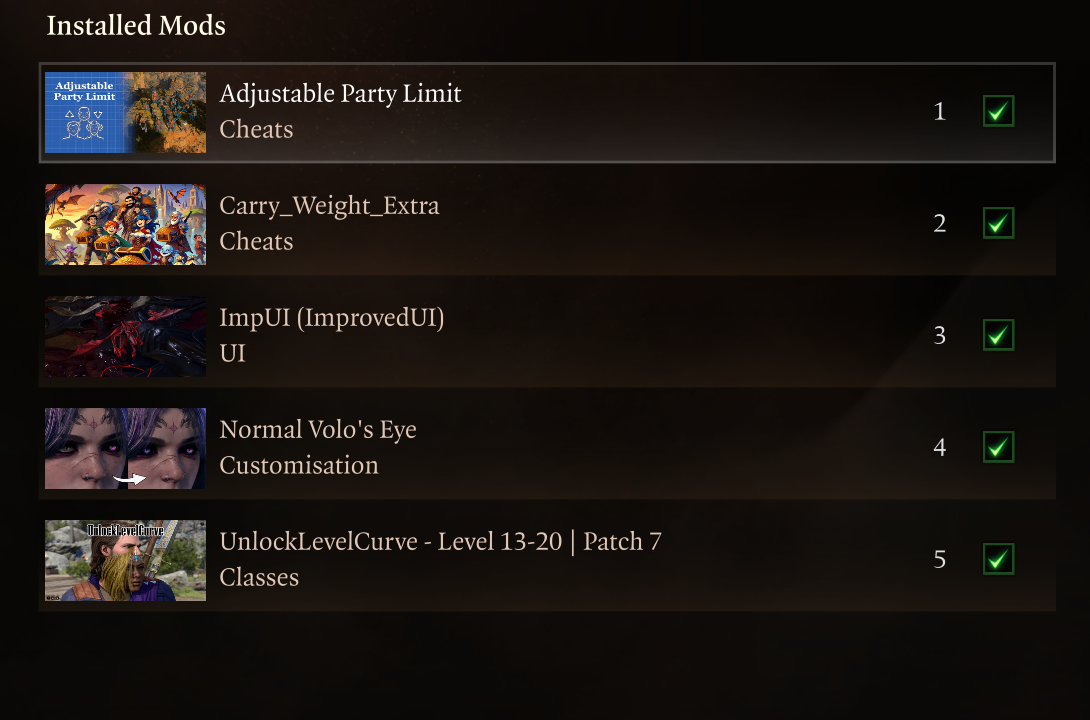
- Delete Appdata folder
Steps for installing Party Limit Begone Multiplayer Patch (only the host needs to install this)
The following instructions come from the mod page on nexus mods: Party Limit Begone
Installation (StandaloneScript Extender version):
- Download and
unzipsetup Baldurs Gate 3 Mod Manager. (Vortex should work aswell but be sure to have script extender installed) - In the
standalonemodversion.manager go to tools and select: Download & Install the script extender and hit yes. DragDownload Party Limit Begone and drop theentirezipmods folderfile in to yourbaldursmodgatemanager3window.- Now
folder.go to file and select: Reload all. Then drag and drop Party Limit Begone mod in your list from the right side to the left, to active mods. - Go to file again and select: Save Order. That's
theit!game folder notEnjoy theone in appdata. That's it, enjoy the game!Note:Dismiss one party member if you already have 4, this will reset the party limit and set it to 16.
game.
Multiplayer Patch Installation:
- First follow one of the mod installations up above. Then download the multiplayer patch and unzip it.
- Drag and drop either your bg3.exe or bg3_dx11.exe file onto the PartyLimitBegonePatcher.bat file. It will create a backup for you.
- That's it! Enjoy the game. Note: bg3.exe is used if vulkan is selected in the larian launcher and bg_dx11.exe if directx is selected instead.
All files are saved here for download if needed: https://filebrowser.nathanaelmoyer.com/share/zNRu-uIA
Back up download link: OneDrive Bois night link